Scheduled reports
You can now get performance reports for your monitors straight in your email, automatically and on a recurring basis. With scheduled reports, you choose the frequency, the recipients, and the analysis period.
How it works
Open any monitor and go to Notifications in the sidebar. In the Scheduled reports section, click Configure.
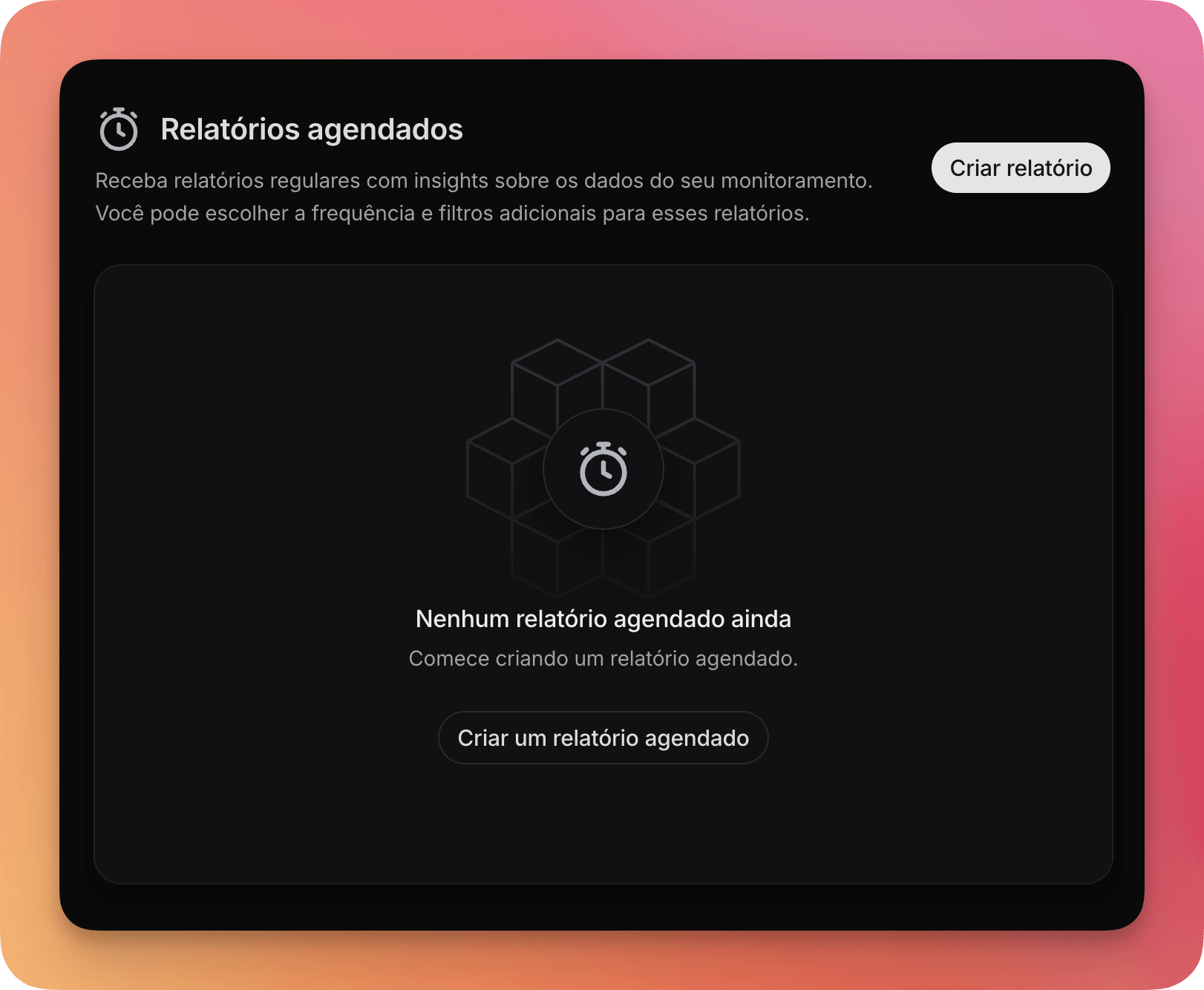
- Frequency — daily, weekly, or monthly
- Analysis period — last 7, 15, or 30 days
The report is sent to your account's email. The first one goes out in the next cycle after you create it. You can create several schedules per monitor and pause or delete any of them at any time.
What's in the report
Each email includes a consolidated summary with post volume, sentiment breakdown (positive, neutral, and negative), the most frequent tags, and the most engaging posts of the period. The report is generated automatically from the data the monitor collected over the configured range.
Summary by AI
You can also turn on an AI-generated summary that's included in the email along with the report data. The assistant analyzes the numbers and gives you a plain-language interpretation.
You can also provide custom instructions to steer the summary. Ask it to focus on a specific aspect, request a different format, or set the tone of the analysis.