Compare monitors
Release
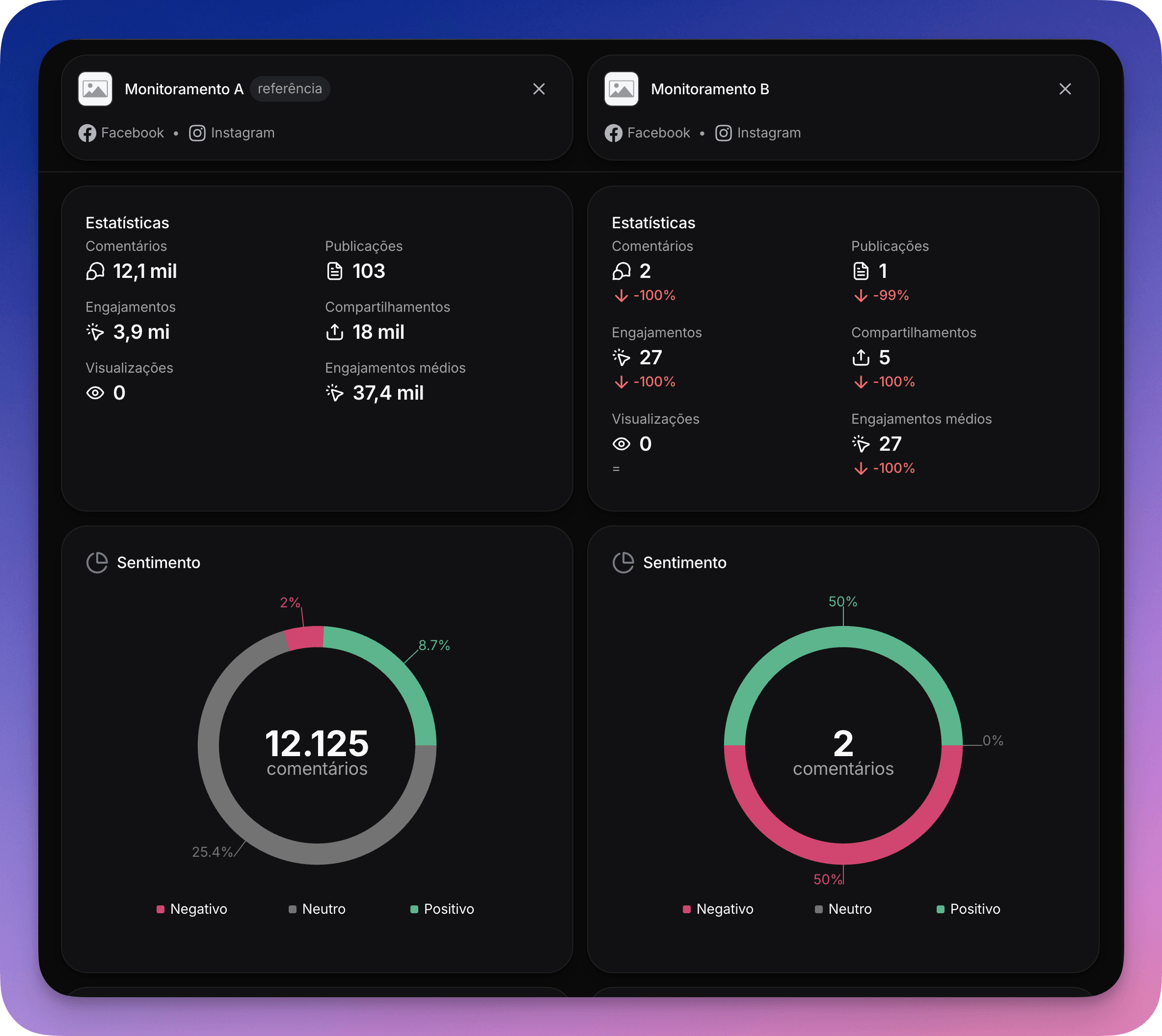
You can now put up to three monitors side by side and compare statistics, sentiment, and comment volume over the same date range.
How to get there
Click Compare in the sidebar or, inside a monitor, use the Compare with… button in the Report header. It opens the screen with the current monitor already selected.
How it works
The first monitor is the baseline. The others show a delta against it on every metric, up or down, so you can spot performance differences at a glance. Use the Reverse button to switch which monitor serves as the baseline.
The date range is shared across all columns and stays in sync with the date filter on the Report screen.