Sign in with Google
Release
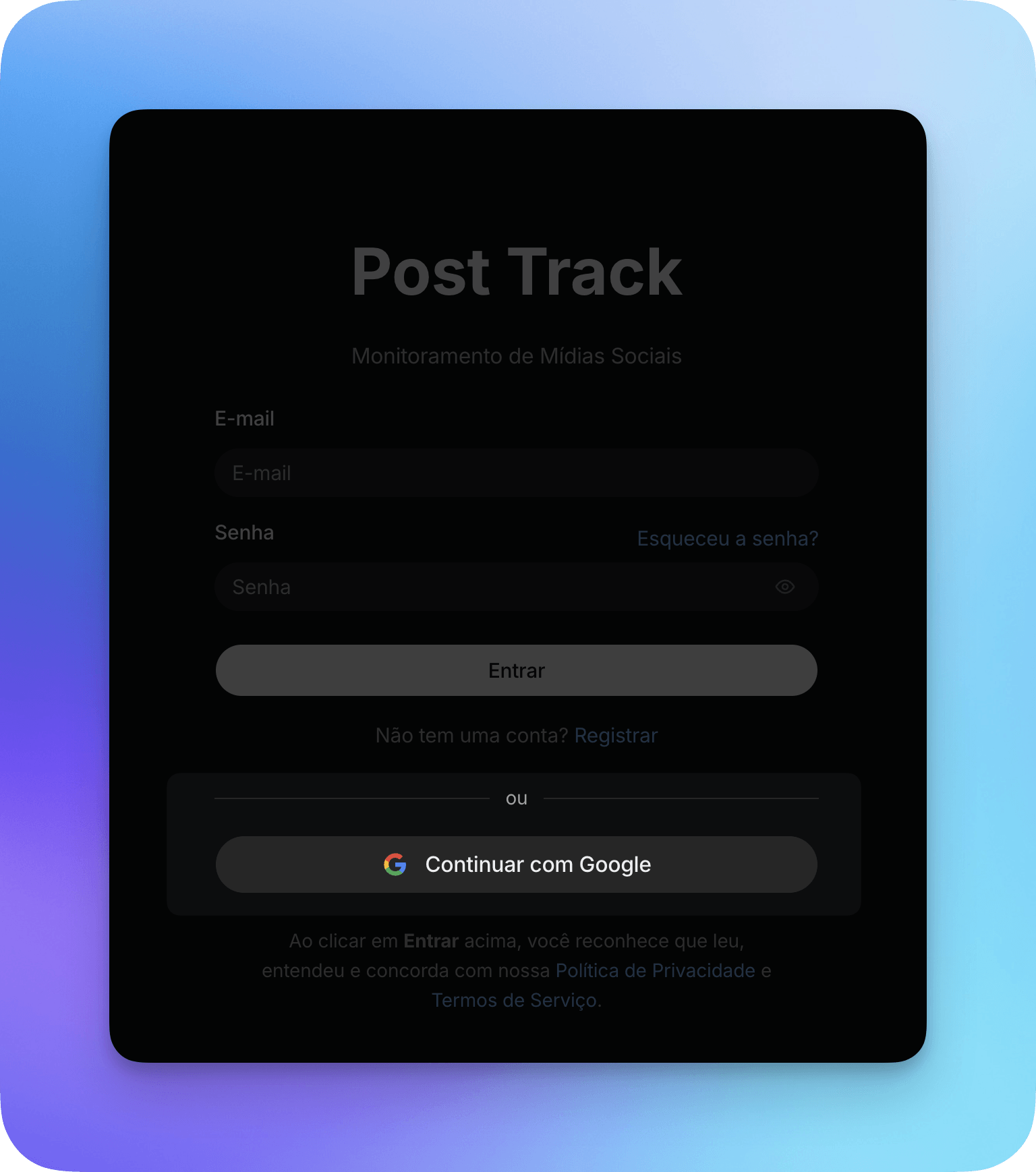
You can now sign in to Post Track with your Google account. On the sign-in screen, click Continue with Google and authorize access. No need to type your email and password.
Link it to your existing account
If you already have a Post Track account, you can connect Google without losing any data. Open your Profile from the menu in the top-right corner and find the Connected login methods section. Click Connect next to Google and authorize access. Once it's linked, you can sign in with Google or with your email and password as usual, and both keep working.
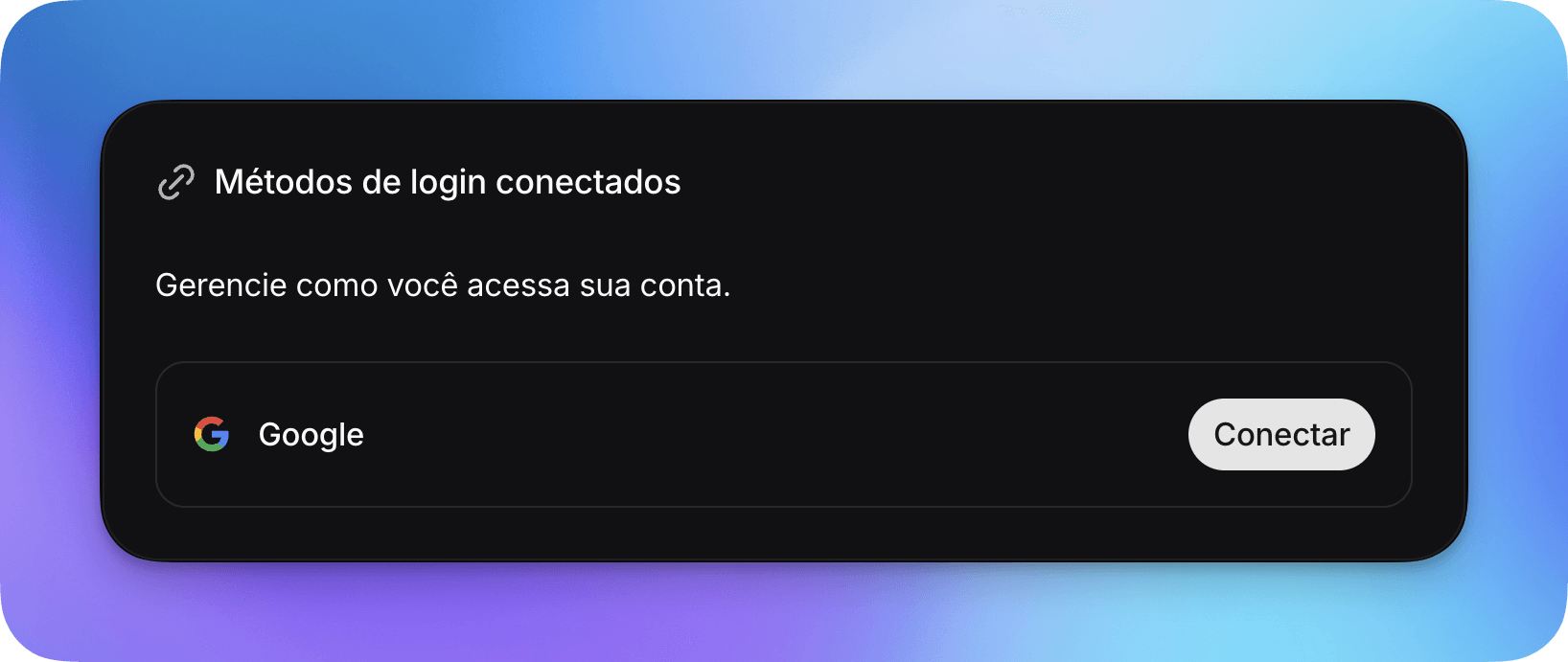
To unlink it, go back to the same section and click Disconnect.