Monitor X (Twitter) profiles
X (Twitter) joins the list of platforms Post Track monitors. You can now follow a public profile's posts and the replies they get in the same place where you already monitor Facebook, Instagram, TikTok and YouTube, with sentiment, tags, rules and reports.
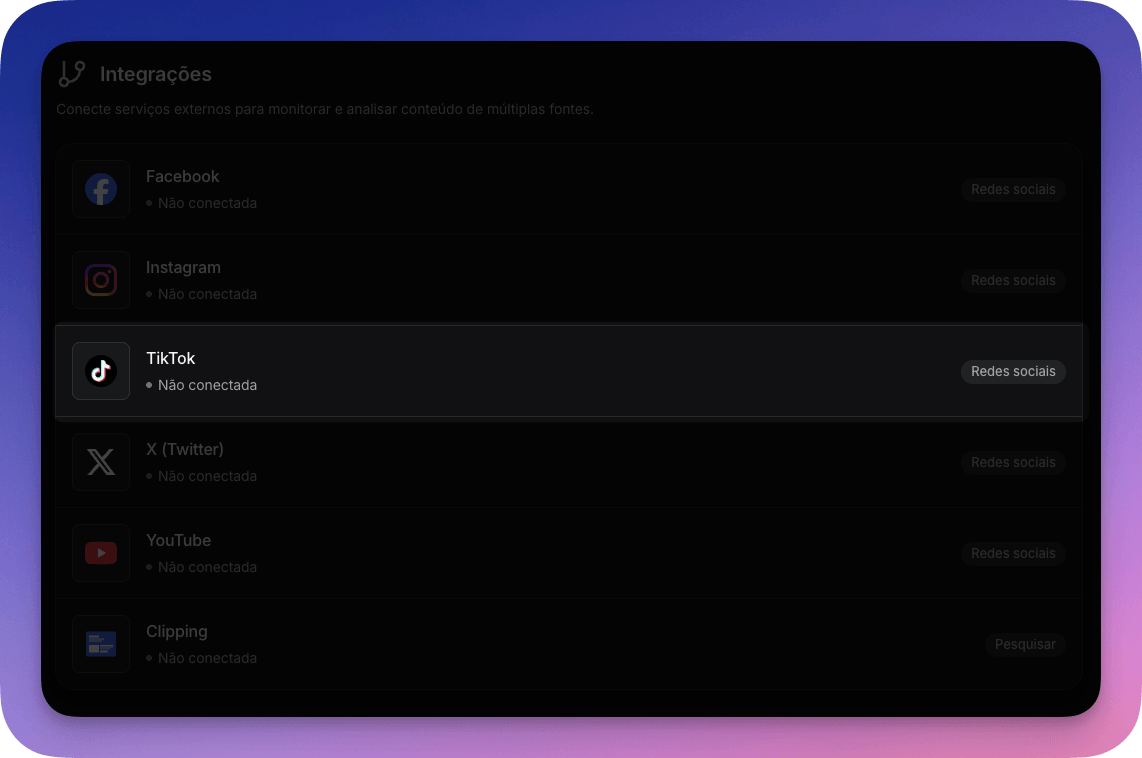
How to add a profile
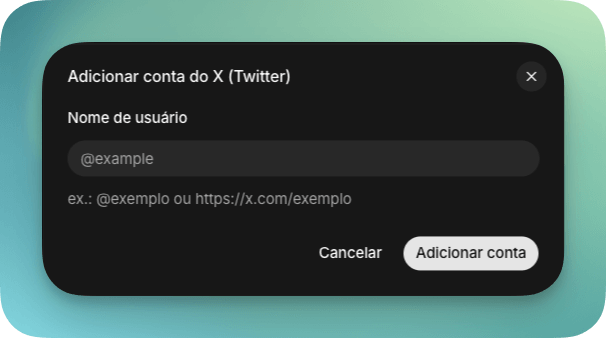
On the monitor's integrations screen, open the new X (Twitter) section and click Add account. Just enter the profile's @ or paste its public link. You don't need to log in or authorize anything on the X account, the same way it works with YouTube channels.
What gets collected
Post Track collects the profile's posts and the replies to each one, with engagement metrics translated into the vocabulary you already know. Shares correspond to retweets, and views to impressions. All of it feeds the same reports, tag analyses and the Assistant.
Replies are captured through X's recent search, which covers the last 7 days of each conversation. Posts older than that don't get new replies collected.
Activate and remove
Each profile can be activated or deactivated, and removed when it no longer makes sense. To keep X API costs in check, each profile is synced once a day.
X monitoring is available for accounts on paid plans.